

Websites

Fast to load. Free to host. Read by every engine.

Twenty-five years of building for the web, and the stack finally caught up with the idea. Pages are built before they are served, so they load fast. There is no server, so there is nothing to host and nothing to hack. The text is in the HTML, so every crawler reads it. Seven live sites and the numbers behind the claims are below.

Three ways to start

Clone it, draw it from inspiration, or let the research design it.

Clone from any source

A site you already have, a competitor you admire, a design file, a PDF brochure. We rebuild it as clean, fast pages and keep what works.

Design from inspiration

Bring three sites you like and three you do not. We draw the direction from that, show it in the browser, and refine on the page.

Design through research

What the engines say about you, what buyers ask, what competitors show. The structure comes from the questions, then the design.

Live examples

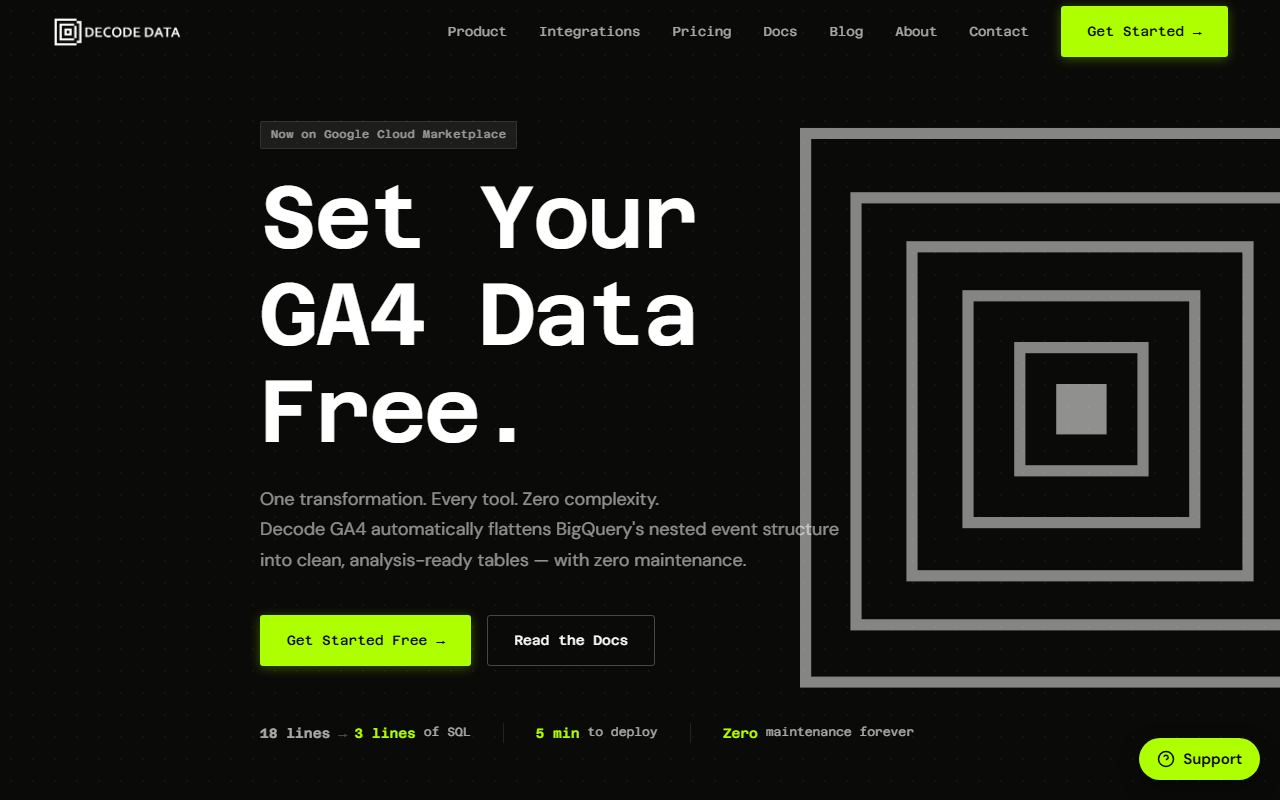
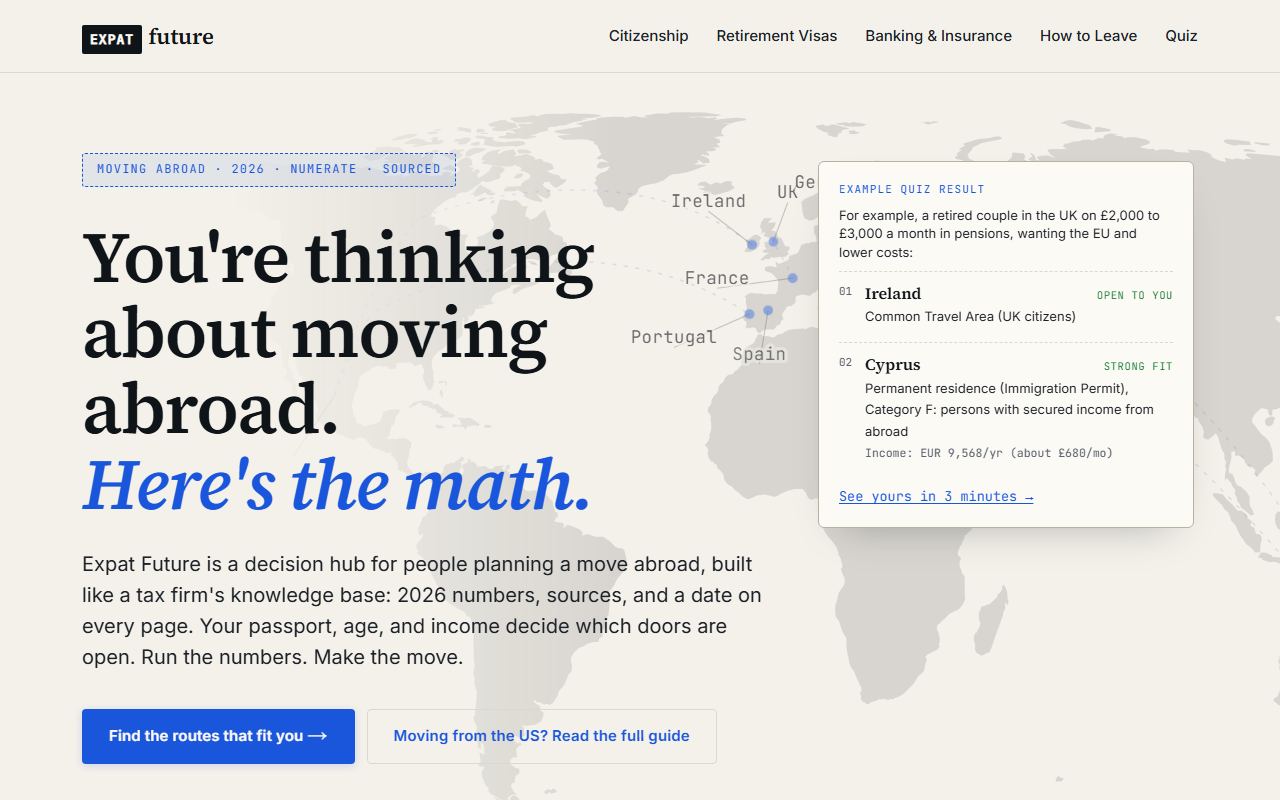
Seven live sites, and eight directions yours could take.

Live sites show their first screen and open in a new tab. The concepts are labeled and show the range. Hover to pause.

Zero to run

Your site costs nothing to host. Here is the fine print.

Static pages are served and stored on Cloudflare at no charge.1 A contact form, a CMS login or a server function runs as code, and the free tier covers 100,000 requests a day before anything is billed.2 For most sites that means zero. For a busy one, a few dollars. The domain is the only recurring cost you cannot avoid.

What you getWordPress on shared hostingSite builderOur build
Monthly cost Hosting, plus paid plugins and theme licenses. A subscription per site, rising with features. Static pages: free to serve and store on Cloudflare.1 Forms, a CMS login or server functions add a few dollars a month at most.2
Maintenance Core, theme and plugin updates, each one a chance to break something. Handled by the vendor. You cannot opt out of their changes. Nothing to patch on a static page. Dependencies update at build time, where a failure cannot reach the live site.
Hacking risk 11,334 new vulnerabilities disclosed in 2025, 91 percent of them in plugins; 46 percent had no patch at disclosure.5 Shared with every other tenant of the platform. No PHP, no plugins, no database, no admin login on the public site. Edits happen on a copy behind a login we control and are reviewed before they publish.
Uptime Depends on the host. An advertised 99.9 percent allows about 8.8 hours of downtime a year.6 The vendor's platform. Served from Cloudflare's network in 348 cities; there is no origin server to fall over.3
Speed Depends on caching plugins and the host. Often heavy scripts you cannot remove. Pre-rendered HTML, served from the city nearest the visitor.3
Readable by AI and search Usually good. Server-rendered HTML. Varies. Some render pages in the browser, and crawlers get a shell. Text in the HTML on every page. The move from browser rendering to static pages captured 2.19 times more content in our audit.
Editing A familiar admin, with every plugin's own screen. Drag and drop, inside the template. Changes go through a preview you approve before they go live. A click-to-edit mode or a CMS when a team wants one.
Ownership Yours, with the hosting contract. The vendor's. Export is partial. Yours: the code, the content, the domain and the deploy, in your own accounts.
Design freedom Theme-bound unless custom-built. Template-bound. Anything the browser can draw.

WordPress runs 39.6 percent of all websites and 58.3 percent of sites with a known content management system.4 It is a fine tool, and it is the largest target on the web. The plugin layer is where the risk lives.

AI-ready, measured

A page the crawler cannot read is a page that was never written.

Every crawler gets the whole page here. Our pages are built before they are served, so the text is in the HTML. Sites that build the page in the visitor's browser hide most of it from the crawlers that never run the script. When one site made that move, the public crawl record captured more than twice the content afterward.

The extraction finding
  • No JavaScript dependency. Every page reads with scripts off.
  • Structured data on every template. The same facts, machine-readable.
  • A brand-reference page the engines can quote, if you want one.
  • A build check that fails on duplicate headings, missing metadata or a disallowed claim.
  • Faster to launch. No server to provision, no plugin stack to assemble, review on the page.
How changes get made

No login on the live site. Every change seen before it ships.

The live site is a set of files on a network edge: no PHP, no database, no admin screen for anyone to find. Changes are made on a copy, reviewed on a preview, then published. That is what removes the plugin-and-password route that most site hacks take, and it is why the site keeps running while a change is being worked on.

Included

Request and preview

Send a request, or comment on the page itself. We make the change on a copy, you get a preview link, you approve, it goes live. Nothing touches the live site until you have seen it.

Optional upgrade

Click to edit

For teams that change text and images often. The same overlay turns into an editor behind a login we control: click the headline, type, save. Routine text changes can publish on their own; anything structural still comes to us for review.

On request

A CMS

An editing screen for a few content types, such as news, team or locations, when a team wants a traditional editor. Not every build needs one, and most do not.

A staging site, when you want one

Every change already gets its own preview address. Teams that batch work, or need sign-off from several people, can also have a standing staging site at a private address where changes collect until a release day. Same build, same files, published on your schedule.

If the site rarely changes, it needs nothing

A static site with no server has nothing to patch and nothing to renew. A one-off build that stays as built costs nothing monthly beyond the domain and carries nothing that can break on its own. Add the request path, an optimization plan or reporting only if the business needs them.

Included

What comes with every build.

Team training on changing the site

Part of every package: how to request a change, review it on the preview, and make the routine edits yourselves where the plan includes them.

AI training and setup for the team

We set your team up to brief, draft and check pages with AI tools, with the brand facts loaded, and we train them on it.

Templates for quick changes

A new location, a new service, a new state: a data entry, not a design project.

The feedback overlay

Comment on the live page, in place. We see the pin, the element and the screen size. Rounds take hours, not weeks.

The harder jobs

Where the build is the easy part.

Migrations and mergers

More than 200 migrations, mergers and rebrands, in automotive, SaaS, insurance, finance and local. Two domains into one without losing what ranks or what AI cites. A real estate insurance brand held its AI Overview citation share through a merger and a rebuild.

Redirects at scale

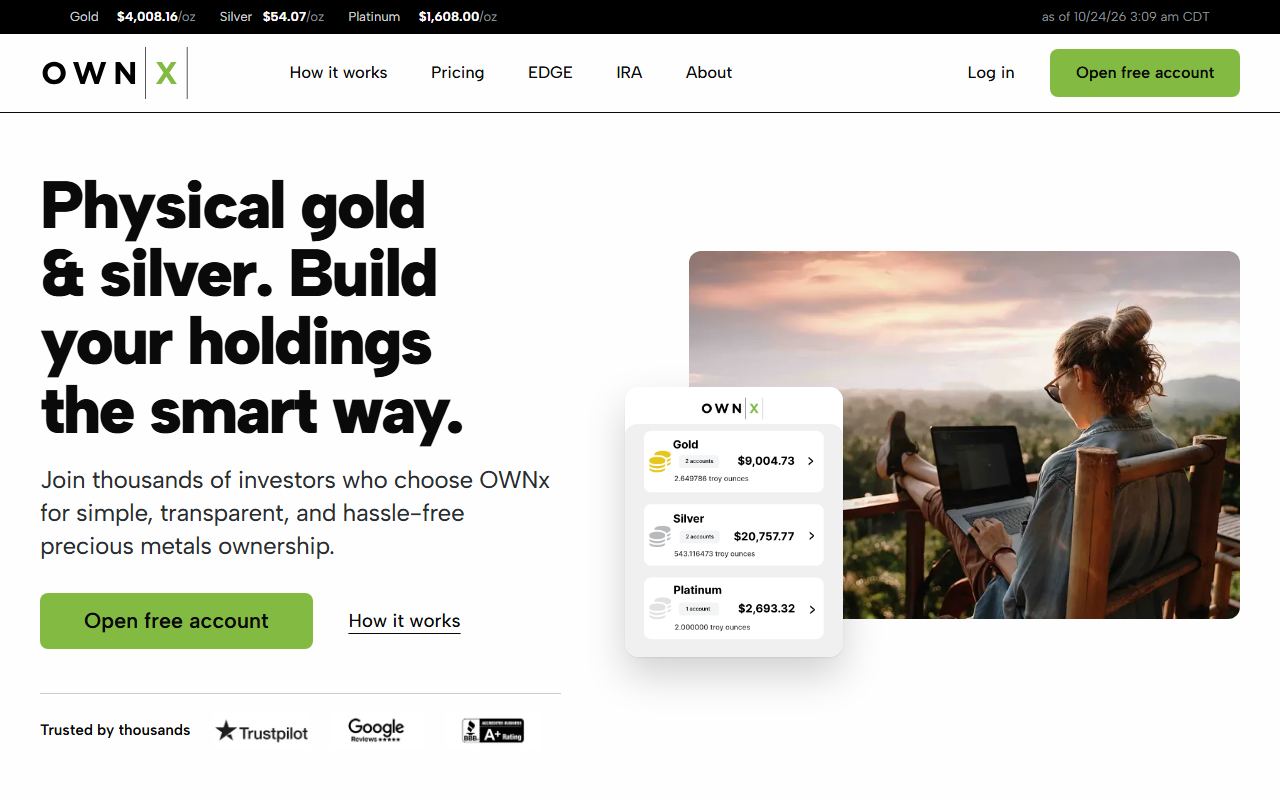
OWNx launched with 412 legacy redirects served at the edge, checked page by page before cutover.

Content merging and localization

Many sites into one structure, or one site into many languages, with the facts kept in one place.

Data feeds and custom tools

Live prices and ten years of history on OWNx. Calculators, configurators and lookups built for the page, not bolted on.

Optimizing a site we did not build

Not every site needs replacing. We fix what blocks crawlers, add what the engines need, and leave the rest alone.

Dynamic features

Static files, and still a site that reacts.

A page served as files can still know the time, the place and the moment. The logic runs at the network edge or at build time, not on a server you have to keep alive. These are live.

This site changes with the clock

Open this site at night and it arrives dark; in the day, light. Your clock decides, and a flip of the switch is remembered. Below, what the network tells the page about where you are reading from. Nothing is stored.

Reading the network…

Testimonials by state

On an insurance client's site, the network reports the visitor's US state at the edge and the testimonial carousel is rebuilt from stories in that state before the page is sent, with a small "Showing stories from WA" badge. Too few stories in a state and it falls back to the default set. The state pages and everything else stay plain, cached files.

Live prices on static pages

A precious-metals client shows spot prices and ten years of price history on pages that are still static files. The numbers refresh from the company feeds on a schedule and the history charts rebuild themselves; there is no server behind the page a visitor hits.

Reviewed, then published, on a timer

Seasonal pages, offers with end dates and event listings expire on their own: a nightly rebuild drops what has ended and publishes what is next, so nobody has to remember.

Custom tools

Small tools that answer a buyer's first question.

A calculator or a checker on the site does two jobs: it gives the visitor an answer, and it gives the engines a page with the facts in it. Built into the site, no third-party widget, nothing to license.

Also in this family: the state-aware testimonials above, the price ticker and history charts, the review overlay you can see on this preview, and the brand-questionnaire forms that write straight into a client's repository.

Contracts and price

Builds start as low as $2,000.

We price by size, complexity and what you need, and we will design the plan with you. Two shapes cover most cases. A one-off build and train: we build it, train your team, hand over the accounts, and the site runs with no monthly cost and nothing to maintain. Or an ongoing service and optimization plan: the request path, content, the visibility loop, tracking and reporting, as much or as little as the business needs.

  • One-off build and train. One project, one handover, your accounts. Right for a site that rarely changes: nothing to patch, nothing to pay for monthly, nothing to break.
  • Ongoing service and optimization. Changes on request with a preview, content and the visibility loop, measured monthly. Click-to-edit or a CMS added when a team wants them.
  • Everything. Site, content, tracking, reporting and the intelligence layer, as one program.
Recent builds

Four sites, and what changed for the people who run them.

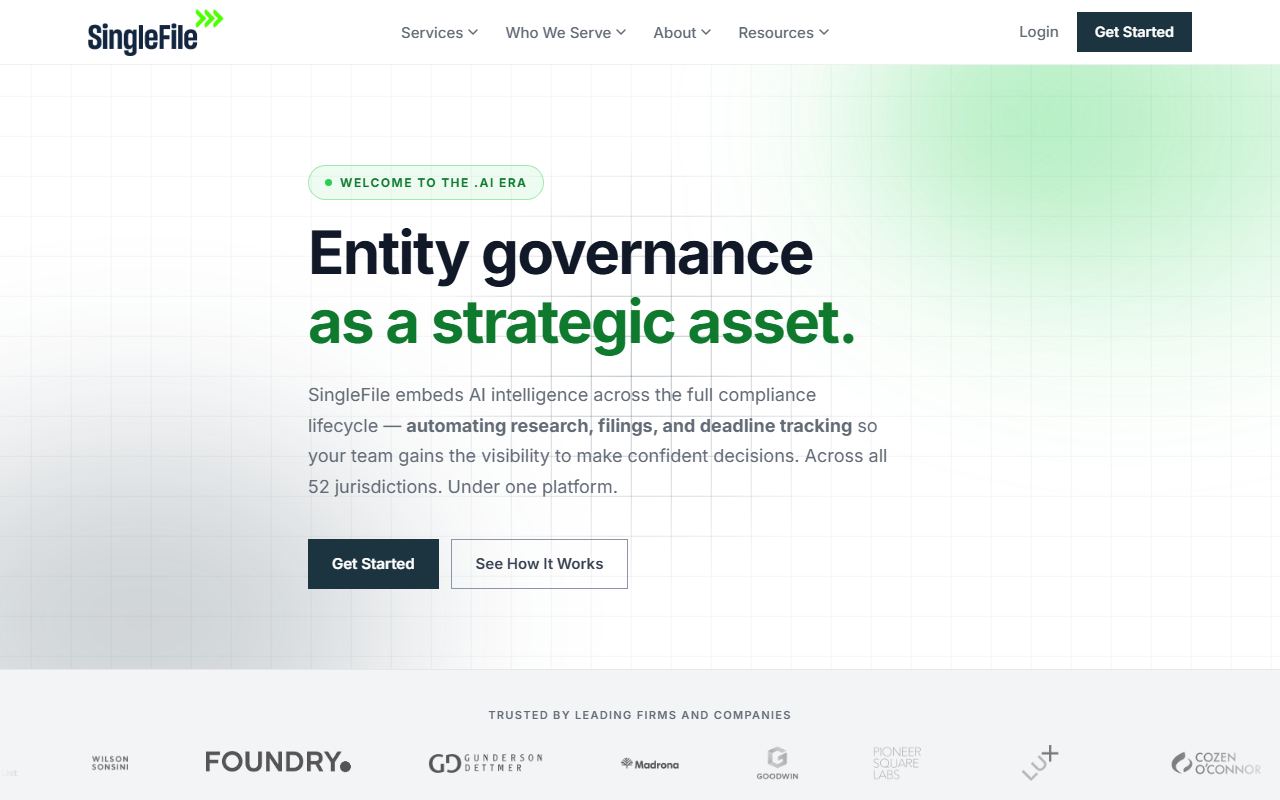
SingleFile homepage
Compliance software

SingleFile

A rebrand moved the company to a new domain. Almost all search visibility came from people already searching the brand name.

  • New marketing site in Astro, served as static pages
  • Domain migration with a full redirect map
  • Brand-reference page and structured data across templates

The marketing team edits pages in a CMS and the site rebuilds itself in under a minute. No plugin updates, no hosting bill, no page that needs JavaScript to show its text.

78 pages entered the public crawl record within four crawl releases of the move, and non-brand search clicks grew 36 percent year over year by September.

Search Console and Common Crawl, Aug to Sep 2026

Feeds the visibility work: The same templates carry the brand-reference page and the User Context content measured on the Search and AI page. See the results

Visit the site
PBI Group Solutions homepage
Real estate E&O insurance

PBI Group Solutions

Two ranking domains had to become one site, without losing the Google AI Overview citations the older domain had already earned.

  • WordPress to Astro rebuild
  • Second domain merged in with page-level redirects
  • State-by-state content architecture

A merger that would normally cost a quarter of visibility cost none. Fifty-one state pages share one pattern, so a rate change is one edit.

Share of AI Overview citations held at 14.5 percent through the merger and rebuild, and states with at least one citation went from 45 to all 51.

204 tracked queries, measured 17 days after launch, Aug 2026

Feeds the visibility work: The state architecture is what the AI Overview tracking measures. See the results

Visit the site
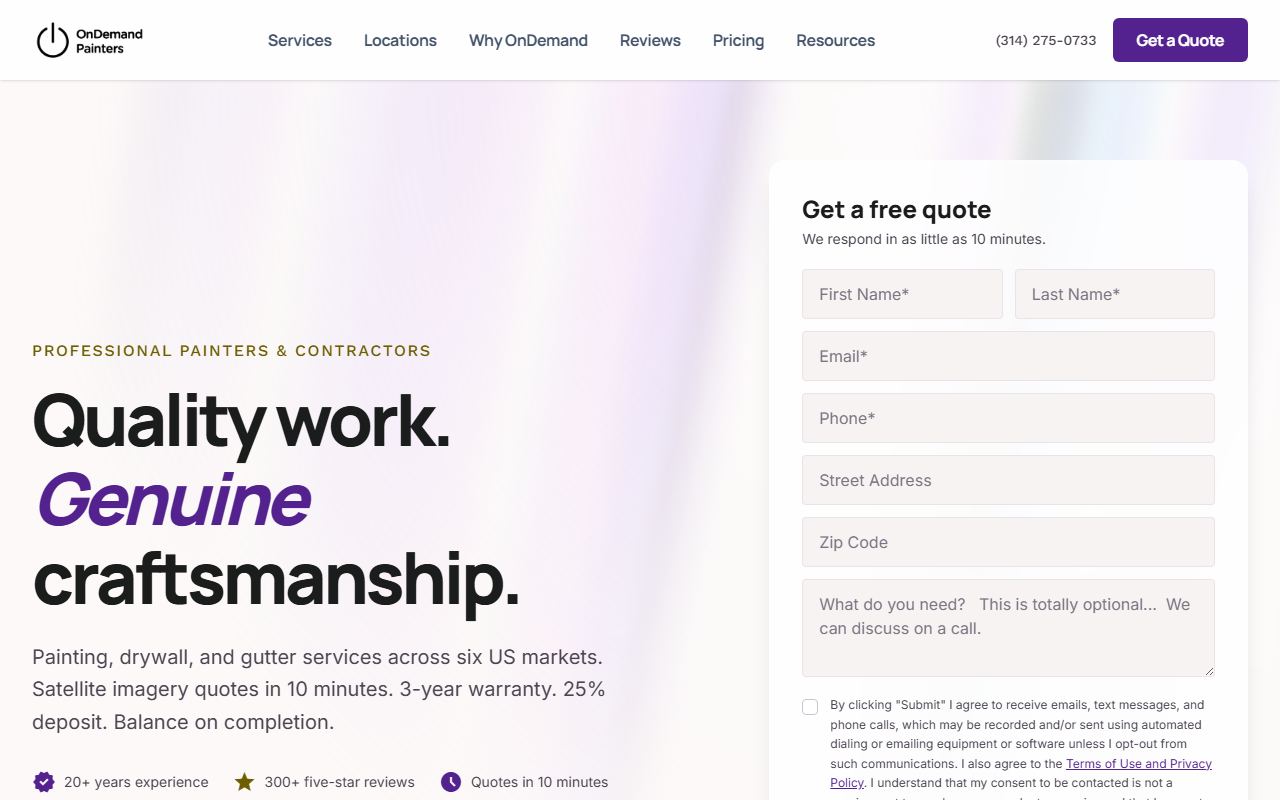
OnDemand Painters homepage
Multi-location home services

OnDemand Painters

More than 200 blog posts and almost no traffic to the service pages. The structure needed replacing, not copying.

  • WordPress and Elementor to Astro rebuild
  • Location and service architecture: every market, every service, one pattern
  • 50 thin suburb pages consolidated into 6 market hubs

Opening a new market is a data entry, not a design project. The pages for every service in that market exist the moment it is added.

A multi-location structure planned before the build, so each market and service has one page with a clear job.

Architecture example, live 2026

Visit the site
OWNx homepage
Precious metals

OWNx

A WordPress and Elementor site with 240 pages, live spot prices and a decade of price history, in a category where every claim gets checked.

  • WordPress to Astro rebuild, launched October 2026
  • 412 legacy redirects served at the edge
  • Spot price ticker and historical charts wired to the company price feeds
  • A build check that fails on duplicate headings, disallowed claims or missing structured data

Live prices and ten years of history on static pages, refreshed from the company feeds. A compliance check runs on every build, so a disallowed claim cannot ship.

Every one of the 240 sitemap pages verified indexable with structured data and self-referencing canonicals on launch day.

Post-launch crawl, October 2026

Visit the site

Sources

  1. 1
    Cloudflare Docs. Static Assets: Billing and Limitations. "Requests to static assets are free and unlimited." "There is no additional cost for storing Assets." Page last updated Apr 23 2026. Accessed 2026-10-24.
  2. 2
    Cloudflare. Pricing. Workers free tier: 100,000 requests per day. Paid: $0.30 per million requests beyond the plan. Accessed 2026-10-24.
  3. 3
    Cloudflare. The Cloudflare global network. Data centers in 348 cities; about 95 percent of the world's Internet-connected population within 50 milliseconds. Accessed 2026-10-24.
  4. 4
    W3Techs. Usage statistics and market share of WordPress. WordPress is used by 39.6 percent of all websites, a content management system market share of 58.3 percent. Figures dated Oct 24 2026. Accessed 2026-10-24.
  5. 5
    Patchstack. State of WordPress Security in 2026. 11,334 new vulnerabilities in the WordPress ecosystem in 2025, up 42 percent on 2024. 91 percent were in plugins, 9 percent in themes, 6 in core. 46 percent had no patch at disclosure. Accessed 2026-10-24.
  6. 6
    Arithmetic. What 99.9 percent allows. An advertised 99.9 percent uptime allows about 8.8 hours of downtime a year (0.1 percent of 8,760 hours). No numeric uptime claim is made for our own side. Accessed 2026-10-24.

Planning a build or a migration?

The risk is losing what already ranks and what AI already cites. We plan for that first, then we build.

Let's talk → Search and AI visibility